





















































































































































ChatGPT is an advanced artificial intelligence language model from OpenAI that understands and generates human-like text. Mastering ChatGPT is designed for business owners, marketers, developers, and teams seeking increased efficiency. With expert chatbots development services, companies automate reporting, content creation, and customer inquiries, reducing manual work by up to 60% and accelerating decision-making across all departments.
ChatGPT Mastery delivers measurable ROI: 800 million weekly users use AI to automate drafting, data analysis, and planning, increasing team productivity by over 30% and replacing up to 70% of repetitive tasks.
In today’s fast-paced digital world, efficient communication is key. Whether you’re a business professional, a student, or just someone looking to streamline your interactions, mastering the use of AI tools like ChatGPT can be a game-changer.
By understanding how to guide the conversation effectively, you can automate tasks and get the most out of this powerful Artificial Intelligence assistant. The key lies in crafting well-structured prompts that direct ChatGPT to deliver the precise information or action you need. This involves a blend of clarity, context, and specificity in your prompts.
Get ready to elevate your ChatGPT experience and automate like a pro with our “ready to use” professional tips and strategies our team’s ChatGPT expert (Lead Generation Coordinator, Dmitry) prepared for you to ease your life.

Understanding Common Pain Points
If you struggle to use and automate your ChatGPT tasks or encounter several pain points, you’re not alone. Here are some common challenges and how our tips can help you overcome them:
- Complexity in Crafting Effective Prompts: Many users struggle with creating precise and effective prompts to get the desired responses from ChatGPT.
- Managing Large Amounts of Data: Handling and processing large datasets can be challenging. Users may find it difficult to efficiently summarize or analyze vast amounts of information, making it hard to extract actionable insights from ChatGPT’s outputs.
- Lack of Customization and Specificity: Users often find that ChatGPT’s responses are too general or not tailored to their specific needs. This can be particularly problematic in specialized fields requiring detailed and specific information.
- Integrating ChatGPT into Existing Workflows: Integrating ChatGPT into your daily workflows can seem daunting. We provide practical examples and step-by-step instructions to seamlessly incorporate ChatGPT into your business or personal routines, automating repetitive tasks and enhancing your overall efficiency.
Tackling any of these pain points? Try to apply these prompts to help yourself get the desired and precise answers for your business or personal work.
Crafting effective ChatGPT Prompts with Elinext’s 6-Step Prompt Formula
To craft effective prompts, consider using a structured framework. Based on proven techniques, here’s a six-step framework to guide you:
- Define the Task: Start with a clear action verb and define your end goal.
Example: “Generate a three-month fitness plan for me.”
Use clear action verbs like “generate,” “come up,” “analyze,” etc. to kick things off. Then explain the details of the task you need to get executed.
- Provide Relevant Context: Give background details to tailor the response.
Example: “I’m a 40-year-old vegan who exercises five times a week and wants to improve muscle tone. I prefer high-protein meals and have a moderate cooking skill level.”
- Include Examples: Provide sample text to demonstrate the desired style.
Example: ” You are an experienced wedding planner writing a proposal for a spring garden wedding. Use this sample proposal as a guide: [paste example]. “
- Assign a Persona (Optional): Let ChatGPT adopt a specific viewpoint or character. Persona is an optional step in the framework that allows ChatGPT to embody a specific character or expertise.
Example: “Respond as a seasoned financial advisor with 15 years of experience and suggest an investment strategy for a 35-year-old looking to retire at 60 with a moderate risk tolerance. “
- Specify the Format: Indicate the desired output structure. Do you want a table, bullet points, or a paragraph? Indicate it in your prompt.
Example: “Create a table summarizing the main comments readers made about my newsletter, including columns for the feedback itself, its priority level, and how challenging it is to address.”
Some other formats ChatGPT can generate:
- Bullet list
- Code blocks
- Markdown
- Dialogue
- Set the Tone: Specify the preferred emotion and language style. The tone you choose sets the mood of the output. You can specify whether you prefer a casual, formal, witty, or enthusiastic style directly to ChatGPT.
Example: “Use an enthusiastic tone of voice.”
Example prompts:
- “Use a casual tone of voice”
- “Use an informal tone of voice”
- “Give me a witty result”
- “Show enthusiasm”
- “Sound aggressive”
Combining these elements allows you to create detailed and effective prompts that guide ChatGPT to deliver exactly what you need. Practice and experimentation with these strategies will help you master the art of prompt engineering.
Below, we have included a series of slides with final practical examples and templates that you can use immediately to start automating and improving interactions with your ChatGPT branches.
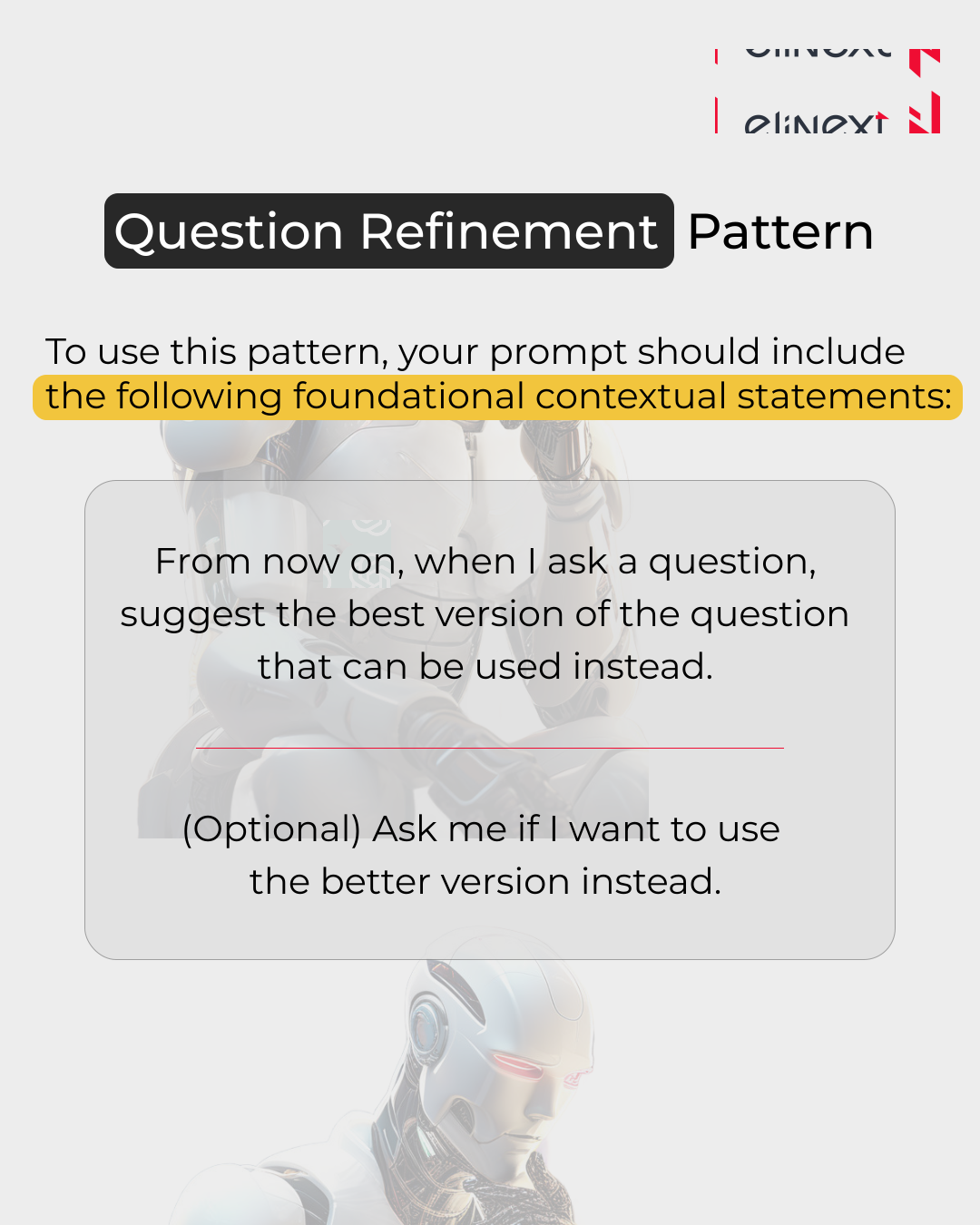
Question Refinement Pattern
To use this pattern, your prompt should include the following foundational contextual statements:
From now on, when I ask a question, suggest the best version of the question that can be used instead.
(Optional) Ask me if I want to use the better version instead.
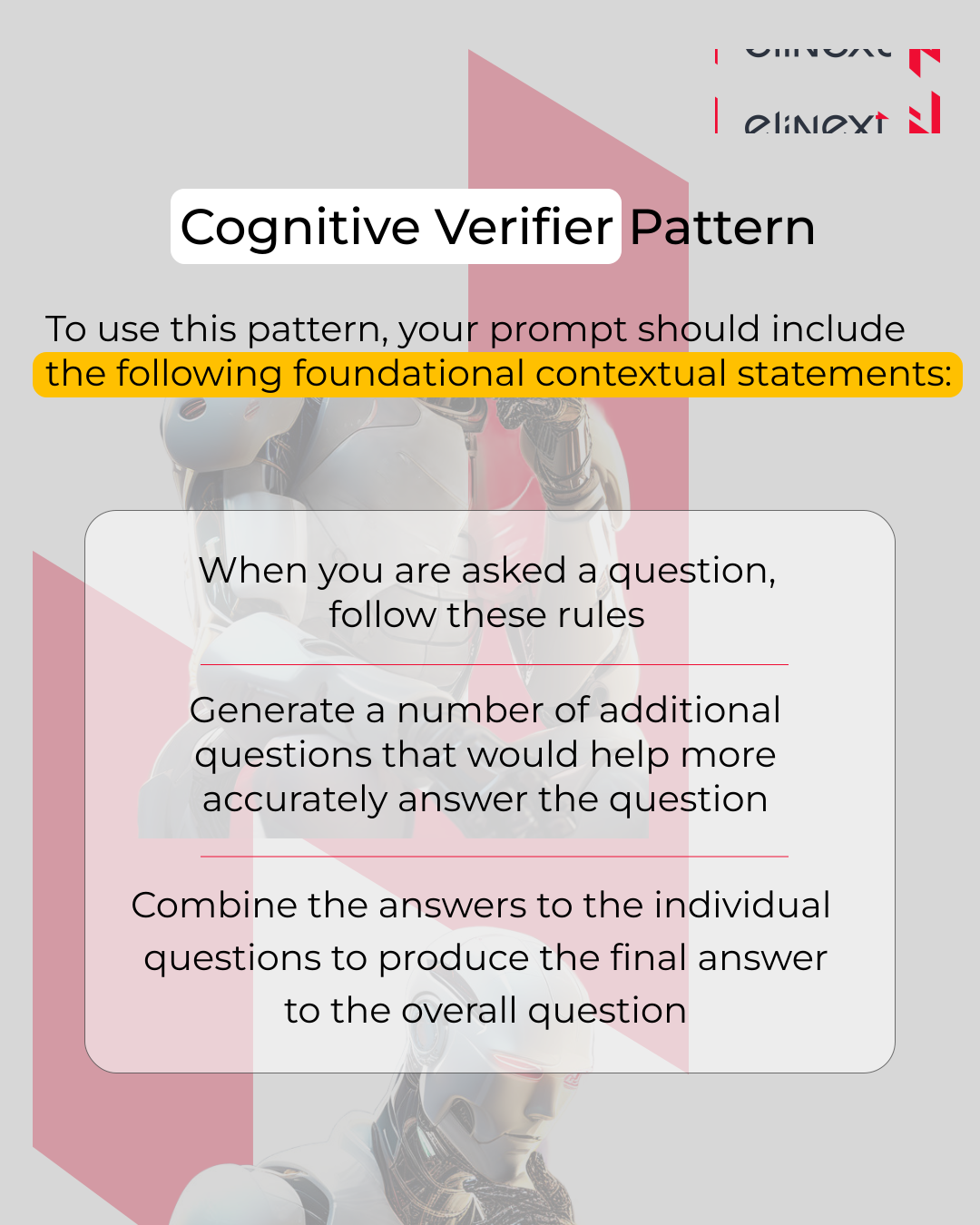
Cognitive Verifier Pattern
To use this pattern, your prompt should include the following foundational contextual statements:
When you are asked a question, follow these rules
Generate a number of additional questions that would help more accurately answer the question
Combine the answers to the individual questions to produce the final answer to the overall question
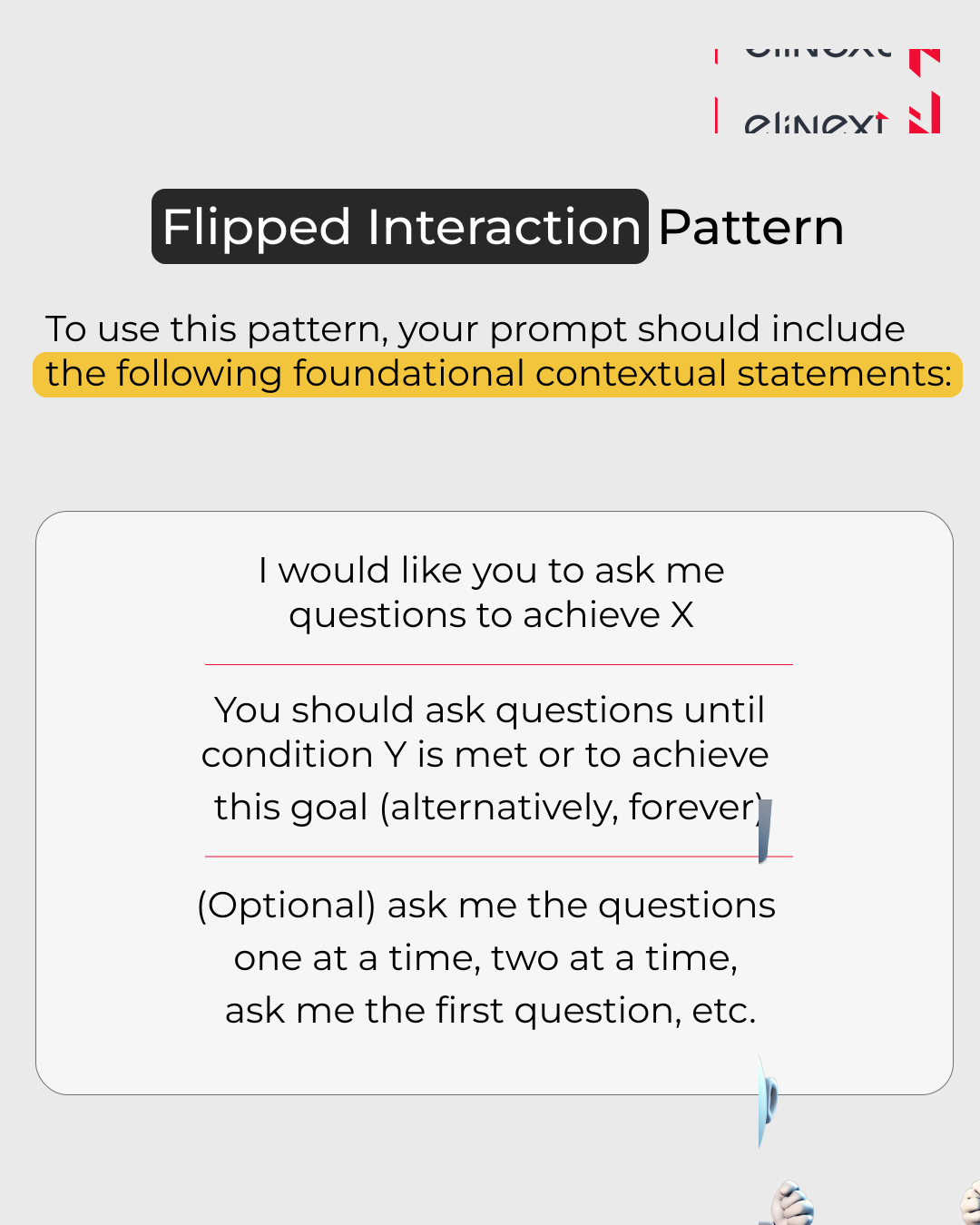
Flipped Interaction Pattern
To use this pattern, your prompt should include the following foundational contextual statements:
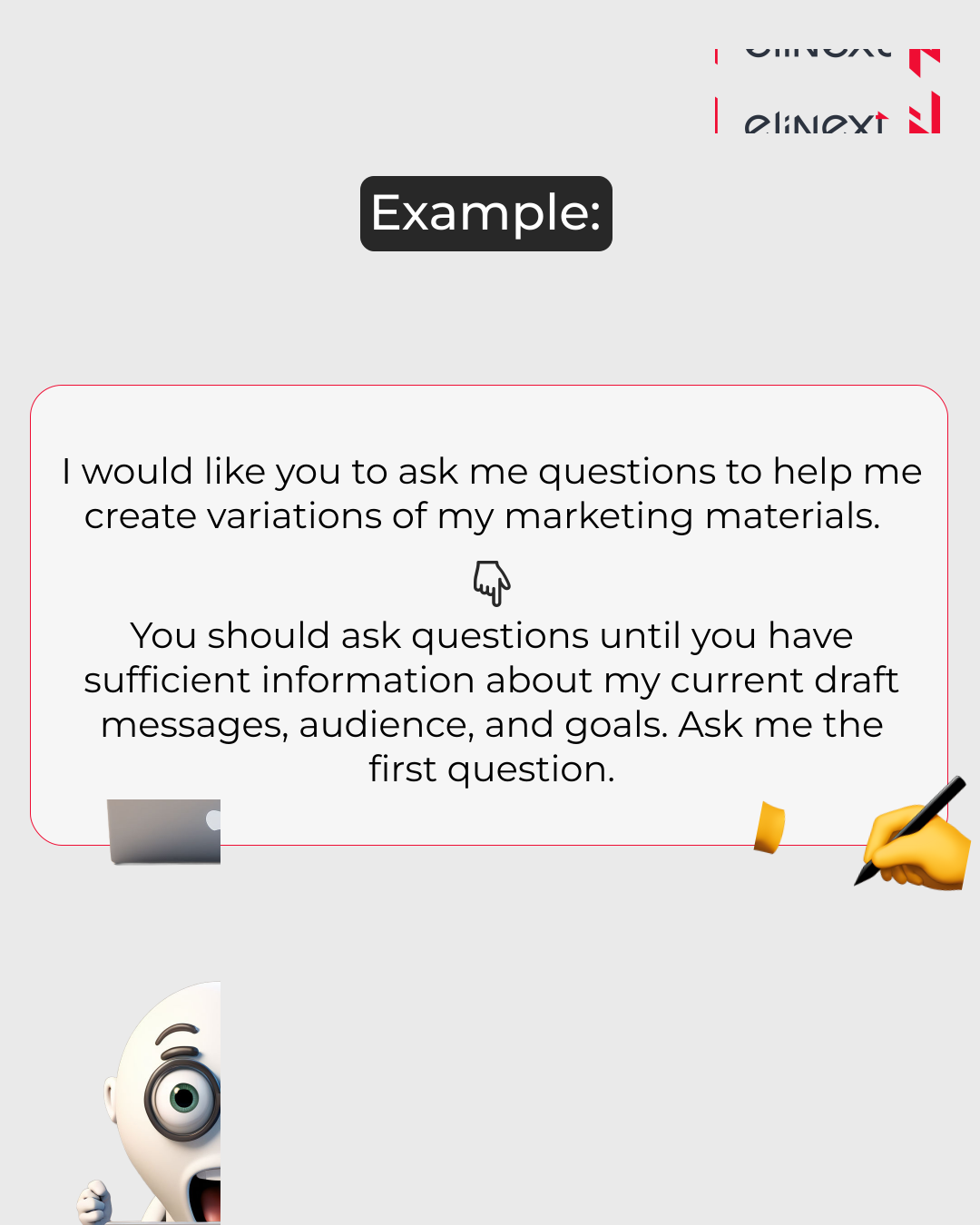
I would like you to ask me questions to achieve X
You should ask questions until condition Y is met or to achieve this goal (alternatively, forever)
(Optional) ask me the questions one at a time, two at a time, ask me the first question, etc.
Example:
I would like you to ask me questions to help me create variations of my marketing materials.
You should ask questions until you have sufficient information about my current draft messages, audience, and goals. Ask me the first question.
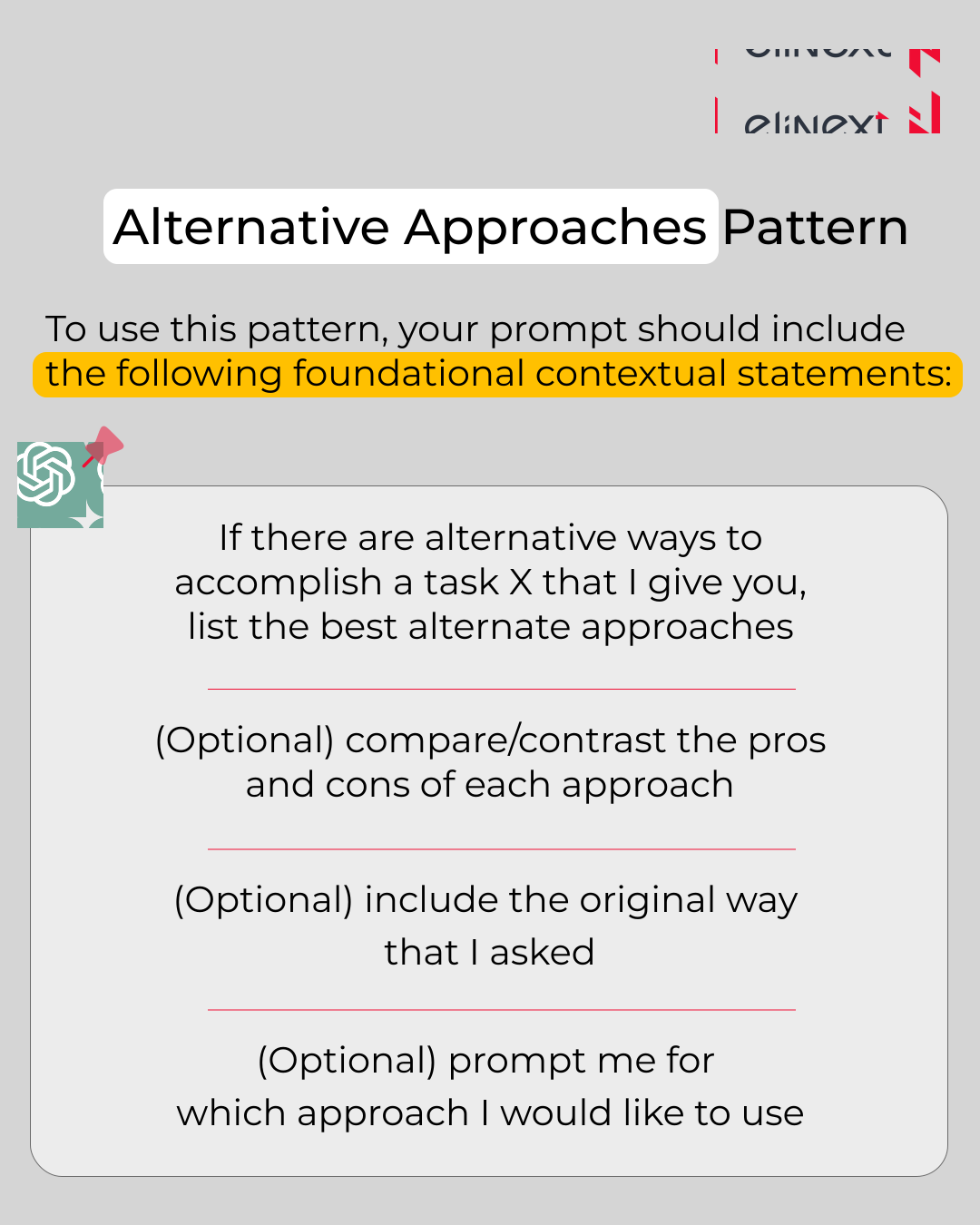
Alternative Approaches Pattern
To use this pattern, your prompt should include the following foundational contextual statements:
If there are alternative ways to accomplish a task X that I give you, list the best alternative approaches
(Optional) compare/contrast the pros and cons of each approach
(Optional) include the original way that I asked
(Optional) prompt me for which approach I would like to use
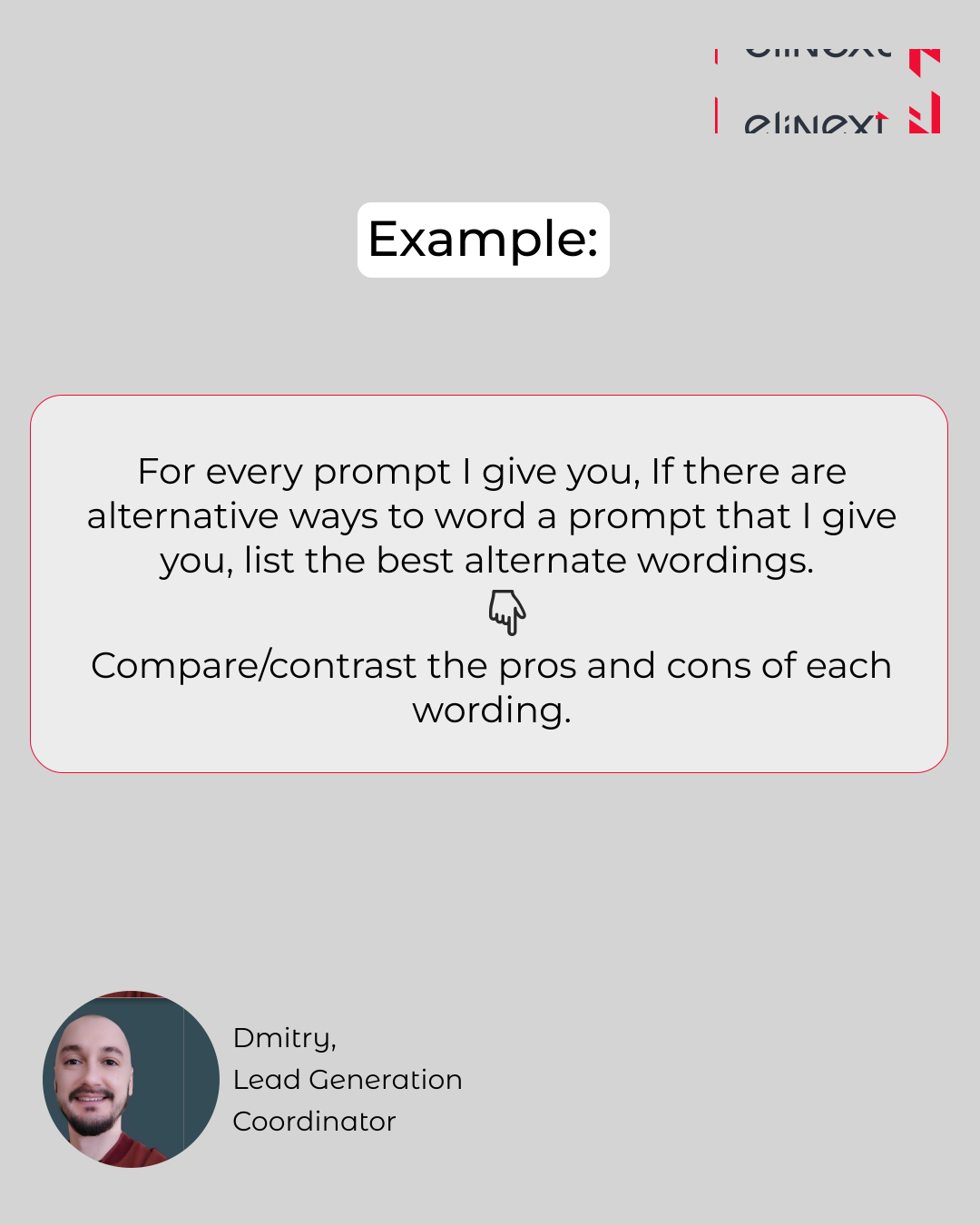
Example:
For every prompt I give you, if there are alternative ways to word a prompt that I give you, list the best alternate wordings.
Compare/contrast the pros and cons of each wording.

In Industry 4.0, most workflows remain manual, despite the clear potential of AI. ChatGPT prompts mastering and remains inconsistent and unstructured. Elinext AI software development services integrate prompt frameworks directly into client pipelines, reducing processing time by 40%. The result: faster cycles, reduced costs, and verifiable AI at scale.

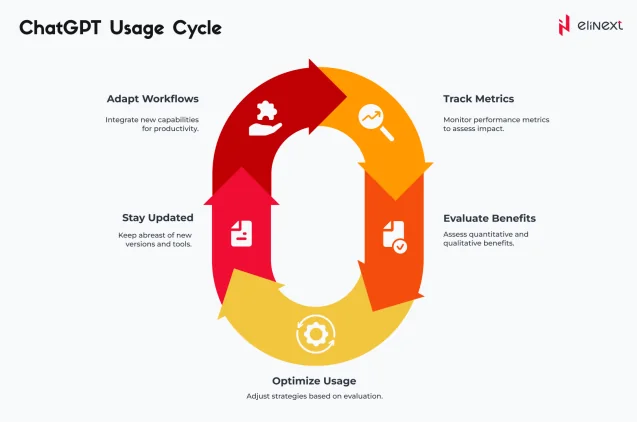
Chat GPT Usage Cycle
The ChatGPT lifecycle begins with prompt design applying ChatGPT prompts mastering principles to define clear inputs. The model then generates a response, which teams validate and refine. Iterative cycles improve the quality of the result over time. With professional ChatGPT development services, companies integrate this cycle into CRM systems, help desks, and analytics dashboards, transforming every interaction into structured, actionable insights.
Conclusion
ChatGPT prompts mastering and enables teams to automate content pipelines, aggregate research findings, and process customer interactions enterprise-wide. A logistics company using LLM development services reduced report generation time by 65% by 2025. McKinsey shows that GenAI automates 60-70% of workflows; Gartner predicts the AI agent market will grow to $58 billion by the end of 2026. ChatGPT’s 800 million weekly users confirm mass adoption.
Key Findings and Impact for 2026:
- Machine learning development services reduce model deployment cycles by 50%.
- Agent-based AI will automate complete workflows for small and medium-sized businesses going beyond simple chatbots by 2026.
- 45% of university graduates use ChatGPT daily.
- LLM pipelines deliver over 30% productivity gains and measurable cost reductions.
- GenAI’s $58 billion breakthrough challenges legacy productivity tools.
Mastering ChatGPT: Terms Explained
-
ChatGPT Prompt Engineering
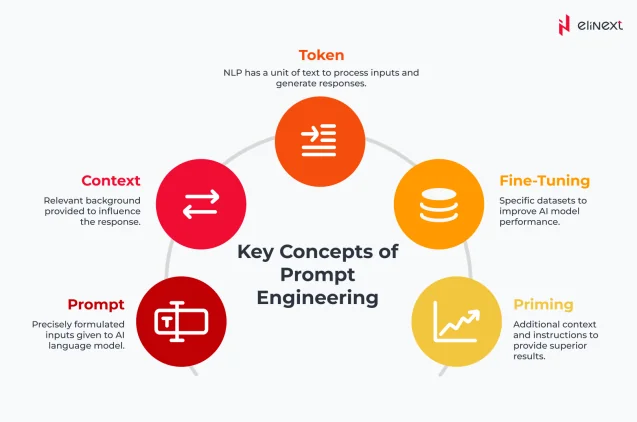
ChatGPT prompt design is the practice of creating precise instructions to guide AI responses. It shapes tone, format, and depth, enabling developers to consistently extract robust, task-specific results from large language models.
-
Context Window
The context window is the maximum amount of text (in tokens) that ChatGPT can process in a single interaction. Larger windows preserve more conversation history, improving coherence in long documents and multi-step workflows.
-
Token Limit
The token limit determines the maximum number of text units the model can process in a single request. Exceeding this limit results in input or output truncation, so engineers carefully structure prompts to stay within the model’s boundaries.
-
Zero-Shot Prompting
Zero-Shot Prompting instructs ChatGPT to perform a task without prior examples. The model relies solely on pre-trained knowledge—this is effective for summarization, translation, or classification when labeled examples are unavailable.
-
Few-Shot Prompting
Few-Shot Prompting provides ChatGPT with a small number of input/output examples in the prompt. This guides the model toward the desired pattern, improving accuracy for specialized tasks such as matching email tone or extracting structured data.
-
System Prompt
A system prompt is a set of instructions used to define the behavior, tone, and constraints of an AI model. It acts as a foundational blueprint that guides how the assistant interacts with users.
-
Hallucination Detection
Hallucination Detection identifies where ChatGPT produces plausible-sounding but factually incorrect results. Teams employ layers of validation data cross-checking or human review to catch errors before AI-generated content goes into production.
FAQ
-
Mastering ChatGPT means systematically applying AI prompts to replace manual tasks. Teams use it to automate reporting and email, for example, creating weekly summaries in seconds instead of hours.
-
ChatGPT prompts mastering and enables the use of structured AI instructions to replace routine work. Companies use it to automatically generate invoices and responseы. For example, reducing response times from 4 hours to 5 minutes.
-
Mastering ChatGPT means using context-sensitive prompts that define tone, format, and purpose. Teams use them to create structured reports. For example, “Become an analyst; summarize KPIs into bullet points.”
-
ChatGPT prompts mastering and enables end-to-end content creation pipelines from brief to publication. Teams use them to automate blog drafts and social media posts. For example, a weekly schedule created in under 10 minutes.
-
ChatGPT prompts mastering and enables you to automate responses to support queue requests using AI. Companies use it to instantly resolve first-level tickets. For example, handling 80% of frequently asked questions without human intervention.
-
ChatGPT prompts mastering and supports complex multi-step automation through AI call chains. Companies use it to organize data collection, analysis, and reporting. For example, for end-to-end financial reconciliation.
-
Mastering ChatGPT for beginners means starting with clear, task-oriented prompts and iterating on them. Beginners use it to automate daily emails. Monday briefings with a single, reusable prompt template.