

















































































































































LLM integration services enable you to connect large language models to TypeScript applications, enabling intelligent features such as chat, summarization, and code generation. AI integration services are suitable for SaaS companies, fintech companies, and product teams. For example, a TypeScript-based CRM that uses OpenAI for automated response generation reduces response times by 40% and significantly increases team productivity.
LLM development services enable the creation of typed AI pipelines in TypeScript. According to Gartner, over 80% of independent software developers will be implementing GenAI by 2026. LLM integration services automate data analysis, reduce manual labor, and deliver measurable revenue growth for customer-facing products.
This article will guide you through the process of integrating a Large Language Model Integration (LLM integration) with your web app using TypeScript. We’ll demonstrate how to leverage LLM integration services to add sophisticated natural language processing features to your application. Whether you’re looking to build a smart chatbot, enhance content generation, or improve user interactions, this integration can open up a world of possibilities. Let’s dive in and see how you can harness the power of LLM integration to take your web app to the next level! Elinext company offers LLM Integration Services so this article is based on our practical experience.
Transform static applications into AI-powered tools before competitors move ahead.

WebLLM
WebLLM is a high-performance, in-browser language model inference engine designed to run directly within web browsers without the need for server-side processing. Leveraging WebGPU for hardware acceleration, WebLLM supports a variety of models, including Llama, Phi, and Mistral, among others. It is fully compatible with the OpenAI API, allowing seamless integration into applications for tasks such as streaming chat completions and real-time interactions. This makes WebLLM a versatile tool for building AI-powered web applications and enhancing user privacy by keeping computations on the client. Elinext offers LLM integration services for web applications, contact us to get details.
Dependencies
Here is an example of the package.json dependencies for LLM integration into your app:
"devDependencies": {
  "buffer": "^5.7.1",
  "parcel": "^2.8.3",
  "process": "^0.11.10",
  "tslib": "^2.3.1",
  "typescript": "^4.9.5",
  "url": "^0.11.3"
},
"dependencies": {
  "@mlc-ai/web-llm": "^0.2.73"
}
Adding LLM configuration file
import { prebuiltAppConfig } from "@mlc-ai/web-llm";

export default {
 model_list: prebuiltAppConfig.model_list,
 use_web_worker: true,
};
This code configures the application to use a predefined list of models and enables the use of web workers:
- model_list: This property is set to the model_list from the prebuiltAppConfig. It contains a list of models that the application can use. Here are the primary families of models currently supported:
Llama: Llama 3, Llama 2, Hermes-2-Pro-Llama-3
Phi: Phi 3, Phi 2, Phi 1.5
Gemma: Gemma-2B
Mistral: Mistral-7B-v0.3, Hermes-2-Pro-Mistral-7B, NeuralHermes-2.5-Mistral-7B, OpenHermes-2.5-Mistral-7B
Qwen: Qwen2 0.5B, 1.5B, 7B
- use_web_worker: This property is set to true, indicating that the application should use a web worker for running tasks. Web workers allow for running scripts in background threads, which can improve performance by offloading tasks from the main thread.
Instantiate the Engine
import * as webllm from "@mlc-ai/web-llm";

  const useWebWorker = appConfig.use_web_worker;
  let engine: webllm.MLCEngineInterface;

  if (useWebWorker) {
   engine = new webllm.WebWorkerMLCEngine(
     new Worker(new URL("./worker.ts", import.meta.url), { type: "module" }),
   { appConfig, logLevel: "INFO" },
   );
  } else {
   engine = new webllm.MLCEngine({ appConfig });
  }
This code performs followed three steps:
Step 1. Importing all the exported members
The first line imports all the exported members (functions, classes, constants, etc.) from the @mlc-ai/web-llm package and makes them available under the namespace webllm.
Step 2. Determine Whether to Use a Web Worker
The second line retrieves the use_web_worker setting from the appConfig object. This setting determines whether the application should use a web worker for running tasks.
Step 3. Declare the Engine Variable
The third line declares a variable engine of type webllm.MLCEngineInterface. This variable will hold the instance of the machine learning engine.
Step 4. Instantiate the Engine:
If useWebWorker is true:
- It creates an instance of webllm.WebWorkerMLCEngine.
- This instance is initialized with a new web worker, created from the worker.ts file.
- The web worker is set up to run as a module.
- The engine is also configured with appConfig and a log level of “INFO”.
If use WebWorker is false:
- It creates an instance of webllm.MLCEngine directly, without using a web worker.
- This instance is also configured with appConfig.
Main Entry Point
The entry point in this example is the asynchronous CreateAsync method, which initializes the ChatUI class, passing the engine instance as an argument. This method sets up UI elements with the specified engine, and registers event handlers:
public static CreateAsync = async (engine: webllm.MLCEngineInterface) => {
    //logic
  }
  ChatUI.CreateAsync(engine);
Chat Completion
Once the engine is successfully initialized, you can utilize the engine.chat.completions interface to call chat completions in the OpenAI style:
const messages = [
 { content: "Hi, I’m your personal Artificial intelligence helper.", role: "system", },
 { content: "Hi!", role: "user" },
]

const reply = await engine.chat.completions.create({
 messages,
});
console.log(reply.choices[0].message);
console.log(reply.usage);
Streaming
WebLLM also supports streaming chat completion generating. To utilize it, just include stream: true in the engine.chat.completions.create call.:
const messages = [
 { content: "Hi, I’m your personal Artificial intelligence helper.", role: "system", },
 { content: "Hi!", role: "user" },
]
const chunks = await engine.chat.completions.create({
 messages,
 temperature: 1,
 stream: true, // <-- Enable streaming
 stream_options: { include_usage: true },
});

let reply = "";
for await (const chunk of chunks) {
 reply += chunk.choices[0]?.delta.content || "";
 console.log(reply);
 if (chunk.usage) {
   console.log(chunk.usage); // only last chunk has usage
 }
}

const fullReply = await engine.getMessage();
console.log(fullReply);
Testing
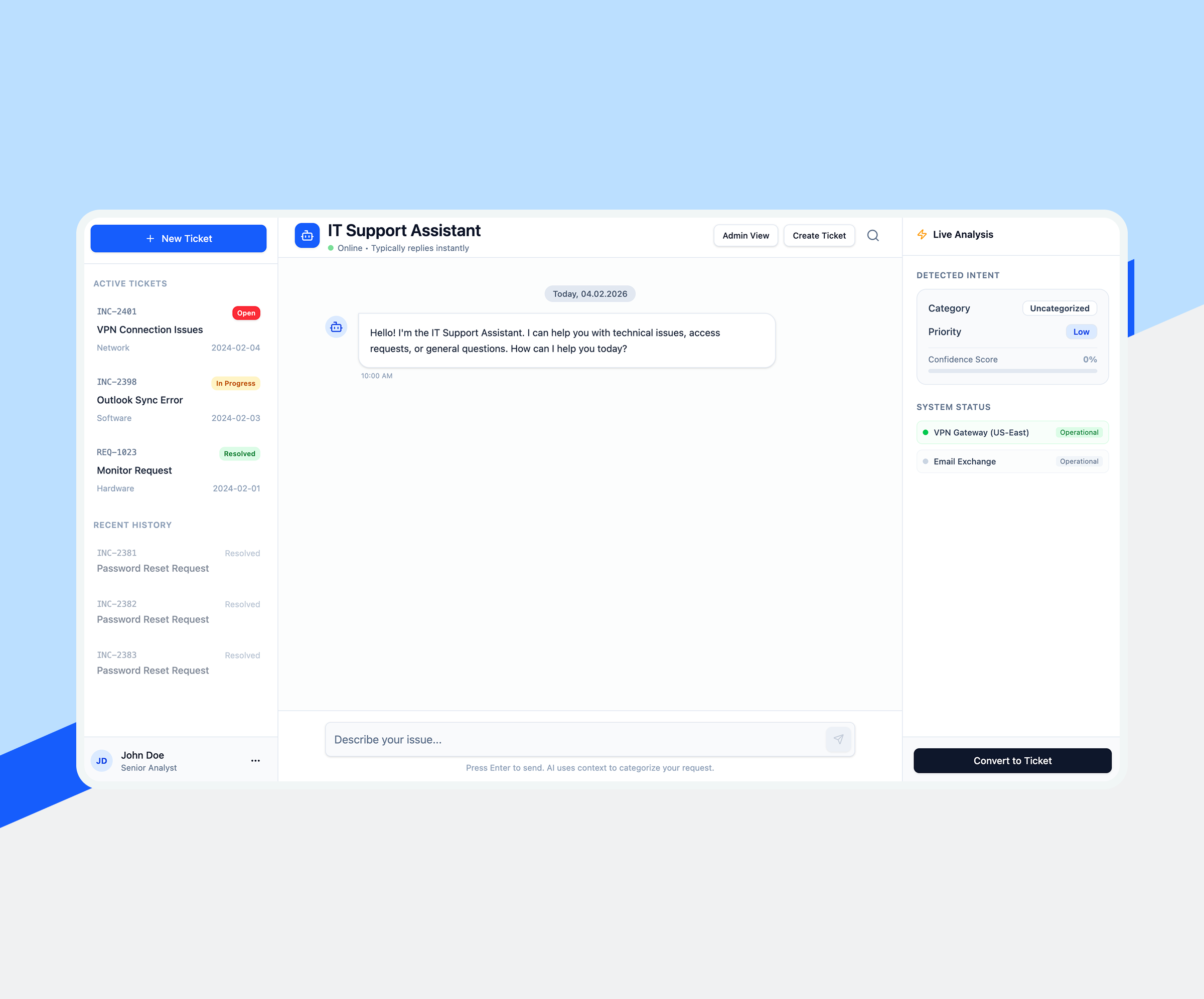
Run `npm install`and `npm start` in CMD or PowerShell to start the application. In our case, the system automatically selected the Llama-3.2-1B-Instruct-q4f32_1-MLC model for work. Also, in our case, a chatbot client had already been developed, which only needed to be integrated with the above-described interface of the WebLLM interface functionality.
As we can see, LLM integration copes well with abstract questions from the knowledge base on which it was trained. But model might not have real-time data access or the capability to provide specific weather updates.
The example demonstrates how to invoke chat completions using OpenAI-style chat APIs and how to enable streaming for real-time responses. These make the chat experience more dynamic and responsive.

Integrating LLM into TypeScript applications reveals real engineering gaps: untyped API responses, unstable query behavior, and prohibitively high token costs without monitoring. Our AI software development services cover all levels: typed SDK wrappers, versioned queries, and cost monitoring. Verifiable AI features, reduced overhead, and accelerated development.

Conclusion
Druzik Aliaksei Nikolaevich, Senior Software Engineer, LLM Integration Specialist:
“LLM integration with your web app using TypeScript can significantly enhance your application’s capabilities, providing sophisticated natural language processing features. By following the steps outlined in this article, you can build a smart chatbot, enhance content generation, and improve user interactions, opening up a world of possibilities for your web application using LLM integration.”
In case you want a smooth LLM integration guaranteed, the Elinext team offers LLM integration services that meet your expectations. LLM integration services are changing modern JavaScript software development services. Gartner predicts that by 2026, more than 80% of independent software vendors will be implementing GenAI in enterprise applications, up from less than 5% in 2024. Teams integrating LLM into TypeScript applications now gain a sustainable competitive advantage.
LLM integration: Terms Explained
-
Prompt Engineering
Prompt Engineering is the creation of precise text inputs to drive LLM output. In TypeScript applications, structured hints reduce token loss and improve response accuracy, making AI functions more robust and cost-effective.
-
Retrieval-Augmented Generation (RAG)
Advanced Search Generation (RAG) retrieves relevant documents before LLM responds, basing responses on real data. In TypeScript, RAG pipelines significantly reduce errors in enterprise chatbots.
-
Embeddings
Embeddings are numeric vectors that encode semantic meaning in text. TypeScript applications use them for similarity matching, semantic ranking, and conveying relevant context to LLM calls to improve response quality.
-
Vector Database
A vector database indexes multidimensional vector representations for fast similarity search. TypeScript applications connect to Pinecone or Weaviate to retrieve the most relevant fragments at query time, enabling the creation of scalable RAG pipelines.
-
Function Calling
Function invocation allows LLM to invoke typed TypeScript functions based on user intent, returning structured JSON. This enables agent-based workflows such as booking appointments or querying databases without parsing free-text responses.
-
Context Window
The context window is a limit on the number of tokens LLM can process in a single call. In TypeScript, developers chunk documents and trim history to keep critical context within acceptable limits and avoid costly context overflows.
-
Agent Frameworks
Agent frameworks coordinate multi-step LLM workflows—tool invocations, data retrieval, and sub-agent execution. TypeScript libraries like LangChain.js structure these cycles, providing autonomous, goal-oriented application logic.
FAQ
-
LLM integration services are AI API layers embedded in TypeScript applications. They are used to add chat and search features. Companies use them to automate support tasks.
-
LLM integration services use versioned hint templates in TypeScript. They are used to ensure output consistency. Companies use them to prevent AI regressions.
-
LLM integration services utilize type-safe SDKs and cost monitoring. They are used to ensure stable AI calls. Companies use them to more quickly develop reliable AI features.